Open Exchange Rates API Integration Setup Guide
Prerequisites
- Active Open Exchange Rates account: You can sign up here.
Step 1: Get Your API Key
- Go to the Registration page and create an account.
- Log in and open the Dashboard.
- Go to the App IDs
- Copy your unique App ID (API key). This key will be used in all API requests.
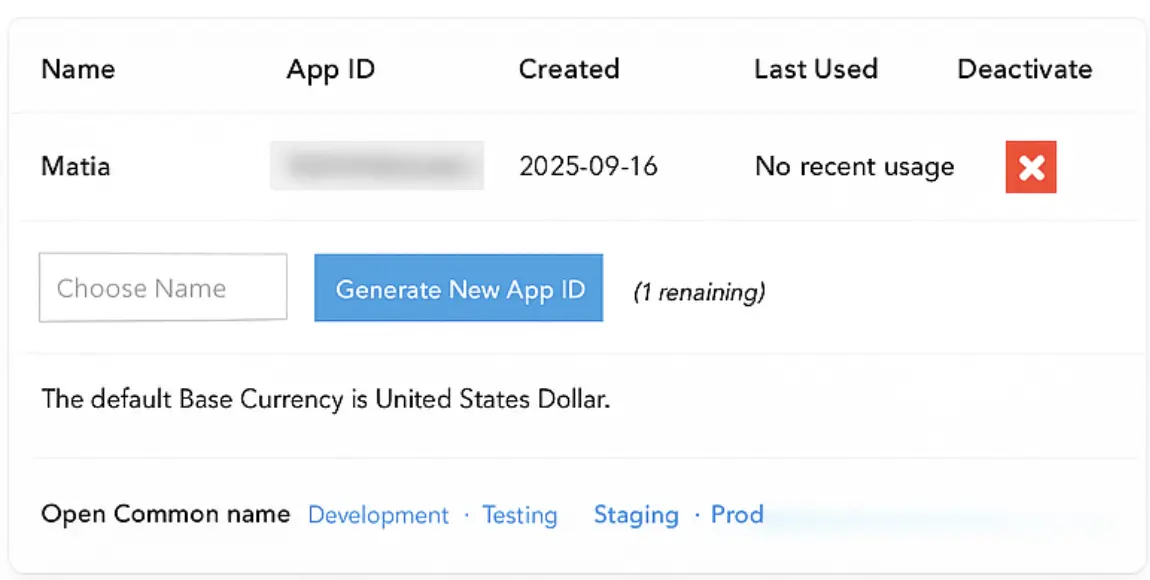
- Select Base Currency
Step 2: Configure the Integration
- Enter your API key in your application or system.
- Provide an Asset Name, e.g.,
CurrencyRates. - (Optional) Add a Description for the integration.
- (Optional) Assign Tags for easier search and organization.
- Set the Owner of the integration.
- Verify the connection by sending a test request: